
Prepare a portfolio that answers useful questions.
A useful portfolio helps someone understand your current look, experience and availability. It does not need inflated claims or expensive preparation just to begin.
ModelScout.ai editorial guidance · Updated
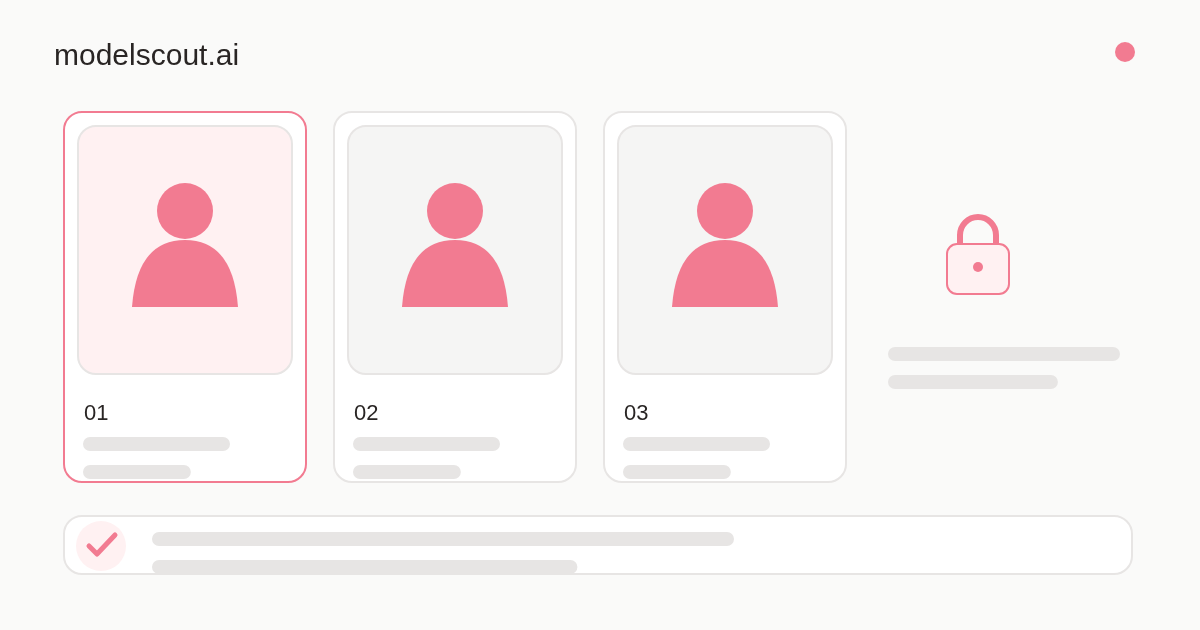
Before submitting your Comp Card
- Choose three distinct current photos and check the complete image, not only its thumbnail.
- Choose the main photo you want scouts to see in search.
- Use accurate measurements, location and experience; leave uncertain claims out.
- Explore all three scout-preview stages, then manage real permissions under Data sharing.
- Save the profile and check that uploads and changes completed.
Choose different, current views
Prepare at least three distinct photographs. Include a clear portrait and a full-body view; a side view can add information that the others do not show. Use good light and avoid filters that change features.
Choose files you have the right to use. Check that your face and the required view are visible and that the image is sharp. Avoid sharing other people’s personal information in the background.
- JPEG, PNG or WebP; no more than 15 MB per upload.
- At least 400 × 400 pixels.
- Different views rather than repeated copies of one photo.
Make the written profile accurate
Measure height and any relevant measurements with a consistent method. State your current city, relevant specialties and real experience. If you are new, explain the type of work you want to explore instead of inventing credits.
Keep a short biography specific: relevant practice, languages or availability you can confirm. Write in your own words, then review and save the final text yourself.
Review suggestions and sharing
Optional photo feedback can point to missing views or unclear images. Check the exact photo and decide whether to replace it. Review any suggested tags and correct them before confirming.
Once your profile is approved and available, its main photo can appear in search. A full portfolio needs a separate release. The three-stage scout preview explains visibility without changing access. Manage real fields and expiry under Data sharing; downloaded copies cannot be recalled.
Submit with realistic expectations
Check the saved status and the completeness of the application before submitting. Human review may ask for changes. Follow the feedback and use the available review or appeal process rather than creating duplicate profiles.
A submitted or approved profile is not a promise of representation or work. Read the casting brief, verify the contact and agree the terms before making a commitment.
Sources and further reading
External references have their own geographical scope. Check the rules relevant to your situation.
Practical guides
Write a brief someone can make a decision on.
Write a casting request that gives a model enough information to assess the work and ask informed questions.
Read the guide →
Pause when a scouting request does not add up.
Check a scouting contact, recognise pressure and upfront-fee promises, and use reporting and privacy controls.
Read the guide →